What’s New in QuerySurge 15.0
Connect your mapping documentation to your
data tests. See the impact of every change.
Validate data wherever it lives. And more!

QuerySurge 15 brings mapping documentation and data validation together for the first time - giving your team a single environment to define what data should do, generate tests automatically, and understand exactly what a change affects.
Combined with expanded file connectivity, Power BI paginated report testing, IBM watsonx support, and a refreshed workspace look-and-feel, QuerySurge 15 is the most significant release in years.
Mapping Studio
Connect documentation to validation
Data mappings define how data should move and transform. But when mappings live in spreadsheets and tests are maintained separately, teams must manually translate transformation logic into SQL, track which tests cover which requirements, and figure out what needs updating when requirements change.
Mapping Studio brings mapping documentation and validation assets into one environment – so your team always has a shared reference for how data should behave, and QuerySurge AI converts those mappings into tests automatically.

Validation Lineage
Understand the impact of every change
When data transformation logic changes, your team needs to know which tests require attention. But manually tracing dependencies among mappings, queries, test suites, and schedules takes time – and gaps in that process allow data errors to reach downstream systems.
Validation Lineage connects your data requirements and testing assets in an interactive visual graph – so you can see upstream and downstream dependencies, identify coverage gaps, and focus testing where it matters.

Expanded File Connections
Validate data wherever it lives
Validate CSV, JSON, and Parquet files directly in QuerySurge – connecting to local files, Amazon S3, and Azure Data Lake Storage.
Compare file contents with any supported source or target, in the same workflow as your data validation.

Power BI Paginated Report Testing
Extend validation to your Power BI reports
QuerySurge 15 extends BI Tester to Power BI paginated reports – so your team can retrieve data from report elements and compare it with trusted source or target data. Use report parameters to validate specific views – a reporting period, a business unit – and confirm that what the business sees in reports reflects what’s actually in the warehouse.

IBM watsonx Integration
AI-assisted testing on your preferred platform
QuerySurge AI now supports IBM watsonx as an AI endpoint alongside OpenAI – giving enterprises that have chosen watsonx as part of their AI strategy the flexibility to use Mapping Intelligence and Query Intelligence on their preferred platform.

Refreshed Look-and-Feel
A cleaner, more intuitive workspace
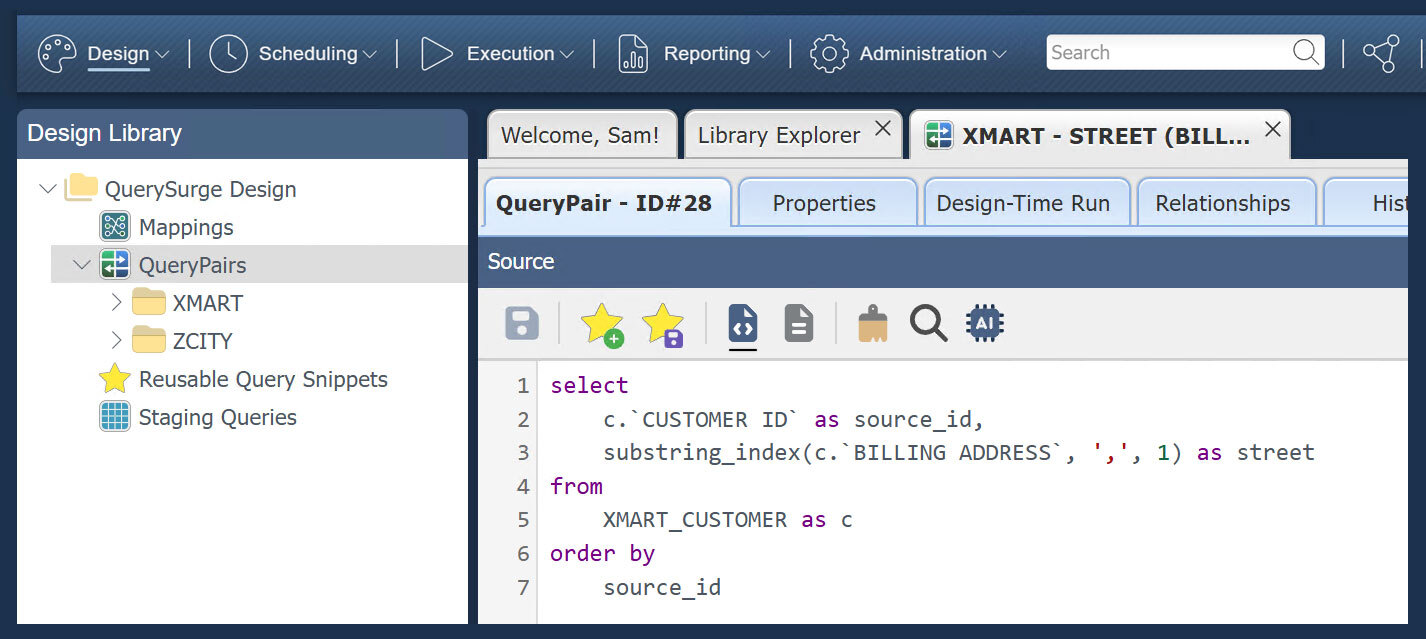
QuerySurge 15 introduces a refreshed user interface with a modern look and feel, updated icons, and an improved user experience. New users get oriented faster. Experienced users get a cleaner, more consistent workspace that gets out of the way and lets them focus on the work.
Ready to see QuerySurge 15 in action?
Request a demo, and we'll walk you through Mapping Studio, Validation Lineage, and everything else that's new.